Updated Since 10/24/2025
1. Click Invitations.
2. Select your organization.
3. Locate your Invitation and Choose View Results.
4. Click the download option for XLSX or CSV.
If saving the document as a CSV, please rename your file, select where you would like to the document to save to on your computer and hit 'Save'.
If saving the file as an XLSX, please rename your file, select where you would like to the document to save to on your computer and hit 'Save'.
5. Open the file.
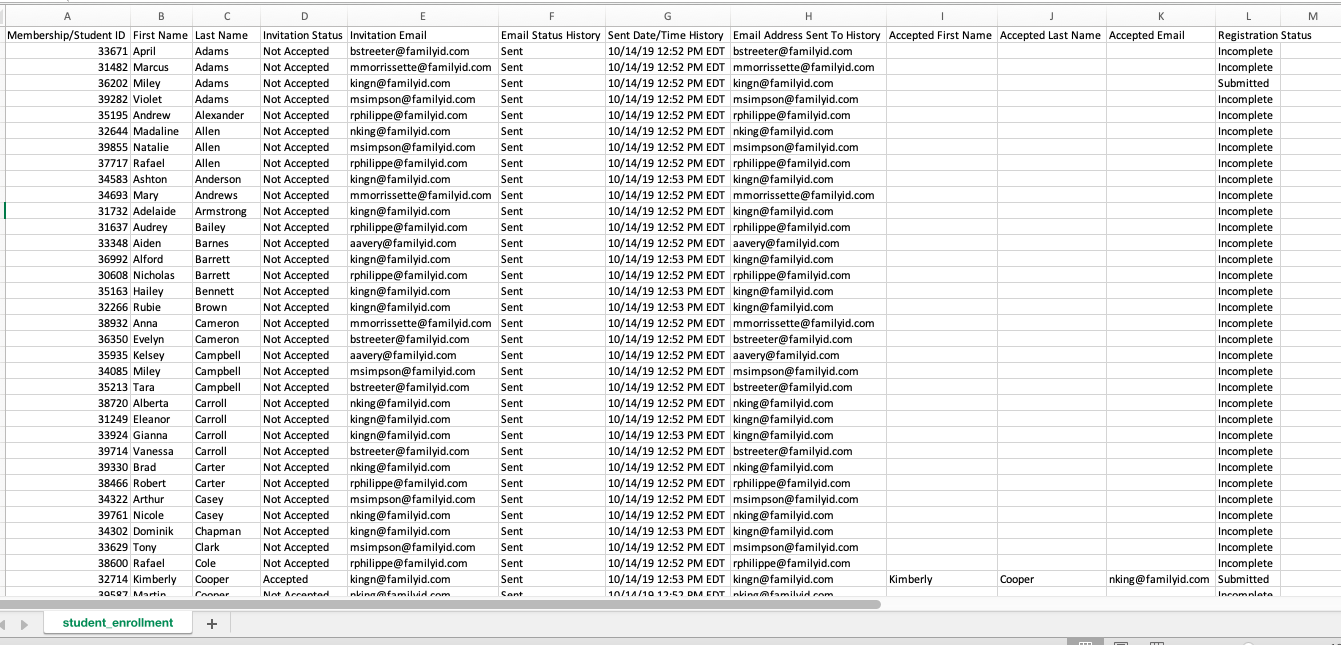
Example of Invitations Results file:
Comments
0 comments
Please sign in to leave a comment.